Trimming is a function, that reduces spaces. There are at least 4 ways to Trim a string in Excel/VBA: Trim VBA.Trim =Trim() WorksheetFunction.Trim Thus, is there a difference between these 4 actually? This is what MSDN says about String.Trim: Returns …

VBA – Difference between Trim, VBA.Trim, =Trim() and WorksheetFunction.Trim Read more »

After writing that the built-in Find() function in VBA does not return the first value by default, a new interesting case with the Find function appeared. In order to simulate it, the following task could be imagined: Write the first …

VBA – Why Range.Find() sometimes mistakes January with November and Febrary with December? Read more »

Wikipedia says that the activity selection problem is a combinatorial optimization problem concerning the selection of non-conflicting activities to perform within a given time frame, given a set of activities each marked by a start time (si) and finish time (fi). The problem is to select the maximum …

Excel VBA – Activity Selection Algorithm Read more »

Sumifs() and Countifs() are formulas in Excel, that sum or count a range with multiple conditions. Unfortunately, these formulas do not work, when you want to refer to a closed workbook. That’s where the magic of the Sumproduct() formula comes. …

Excel – Use Sumproduct() instead of Sumifs() or Countifs() Read more »

Plenty of times, when I open some someones Excel files I see something as a check column, where you have only “YES” and “No” as values. They check something and if you are used to it, it can be quite …

Excel – Usage of Checkmark with formulas and custom formatting Read more »

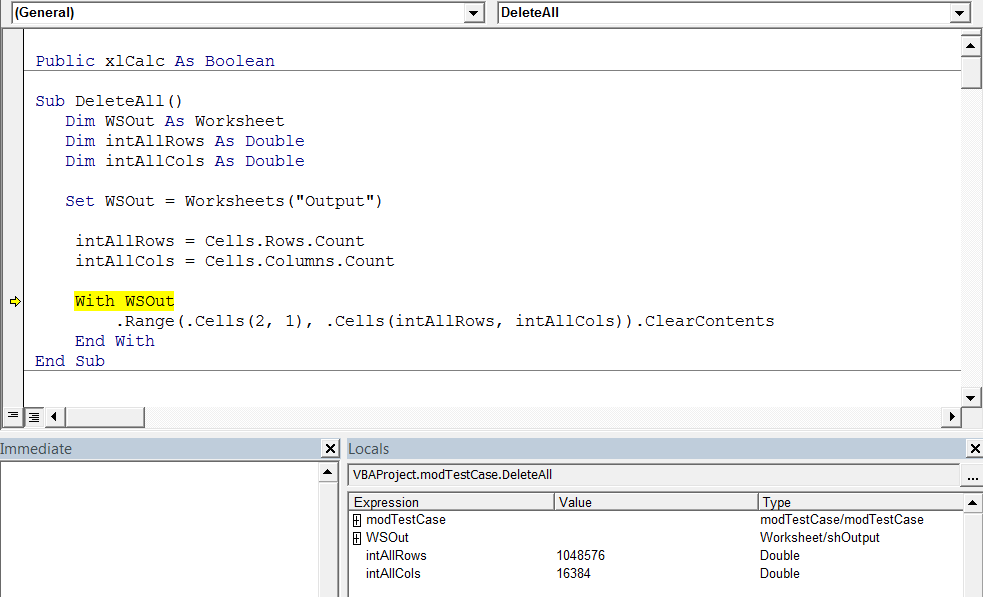
In this post I will simply show a few VBA tricks, for defining last used cell in a row (or column) and defining the size of the worksheet. Let’s assume that you wish to delete all the contents from a …

VBA – Defining last cells in row/column and size of spreadsheet Read more »

In this article, I present 5 useful Excel worksheet based tricks: Set a date and time for the beginning of the latest update on the sheet; Color the changed cells in red; Change the sheet name based on the value …

VBA – 5 Excel Worksheet Based Tricks Read more »